


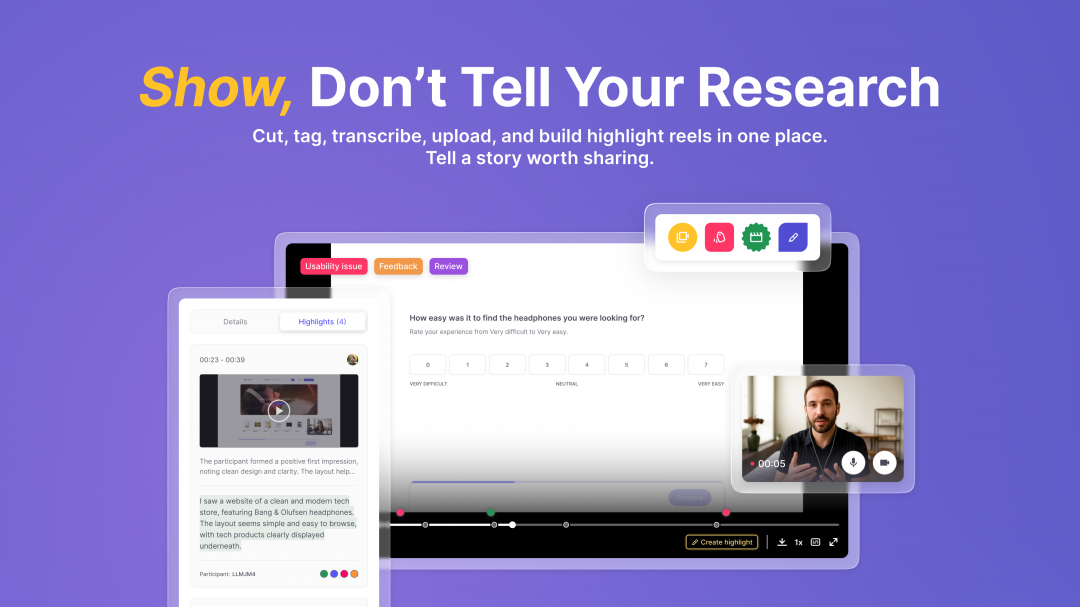
Useberry’s Recording updates are here (currently in Beta). Researchers can now do everything inside one hub: cut Recordings into Highlights, organize them with Tags, build Highlight Reels, and upload external video files to add into the mix and review auto-generated Transcripts for every recording.
Rewatching long sessions, going through timelines, and trying to find and mark key moments takes more time than it should. Insights get lost across files and drives, while stakeholders rarely have the patience to sit through an hour of footage. Researchers needed a faster way to show what really happened in a study.
So we built one. Before we get into the details, here’s a short walkthrough of the new Recording Updates in action:
Highlights: Share Key Moments, Not Full Recordings
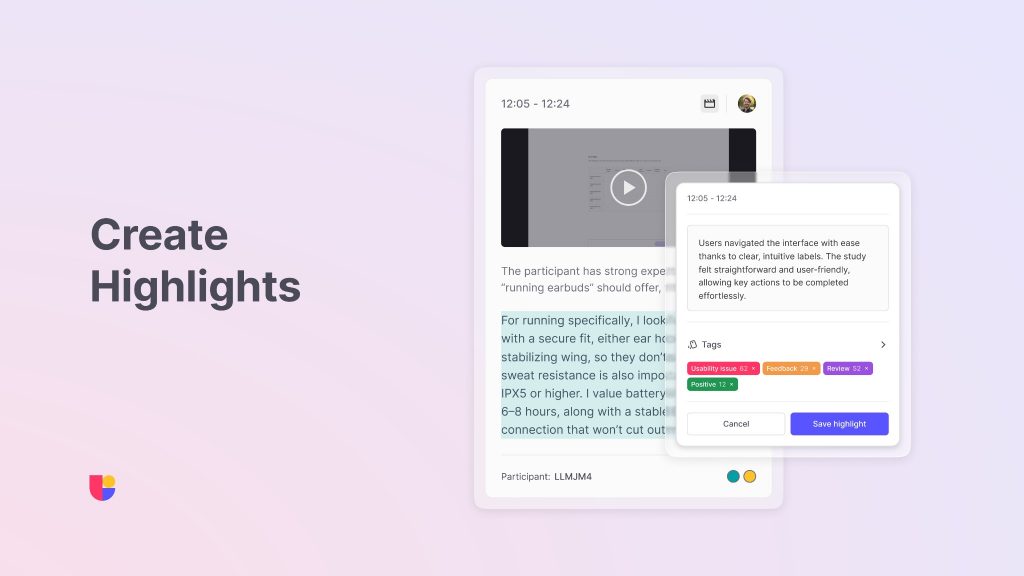
Highlights let you “cut” straight to the moments that matter. You can clip the key parts of a Recording and skip the filler. Researchers save time, teams see only what matters, and stakeholders finally understand how users behave instead of hearing summaries later.
Tags: Keep Context Clear and Insights Connected
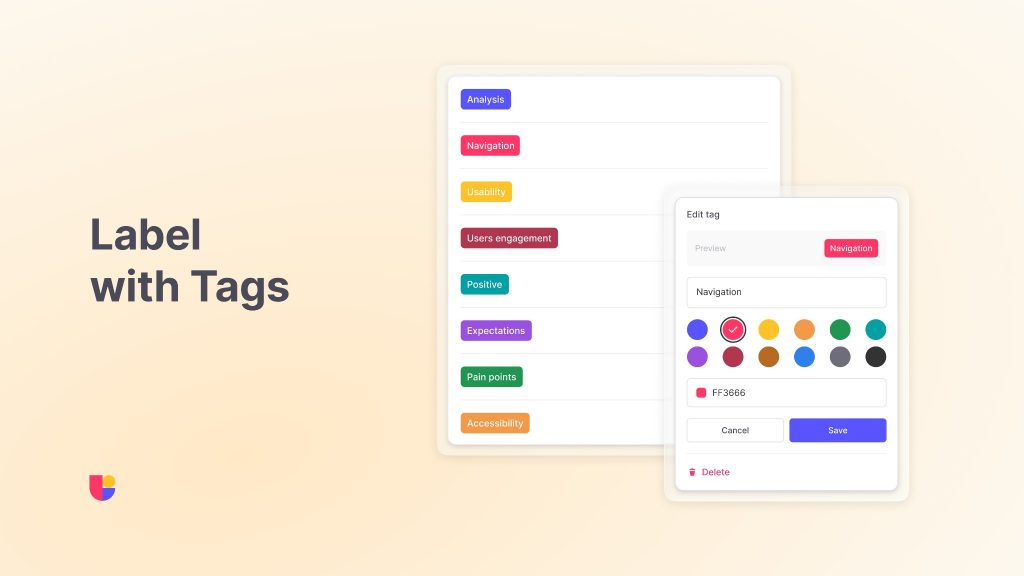
As your highlights start to pile up, Tags keep everything organized. Add labels like friction, delight, or navigation issue to spot recurring themes across sessions. You can also leave notes directly under each Highlight to capture quick thoughts, reactions, or context to make it easy for teammates to understand the purpose behind every clip.
Together, tags and notes make it simple to find, compare, and reuse insights, helping teams connect the dots between multiple Highlights.
Highlight Reels: Turn Highlights into a Persuasive Story

Insights have more impact when they are seen. Highlight Reels help you combine Highlights into short, shareable videos that either show recurring user behaviors or tell a single user story from start to finish. Reels make it easy for decision-makers to understand the evidence. They can see user behavior at a glance, align on priorities, and act faster.
Transcripts: Read, Review, and Highlight Faster
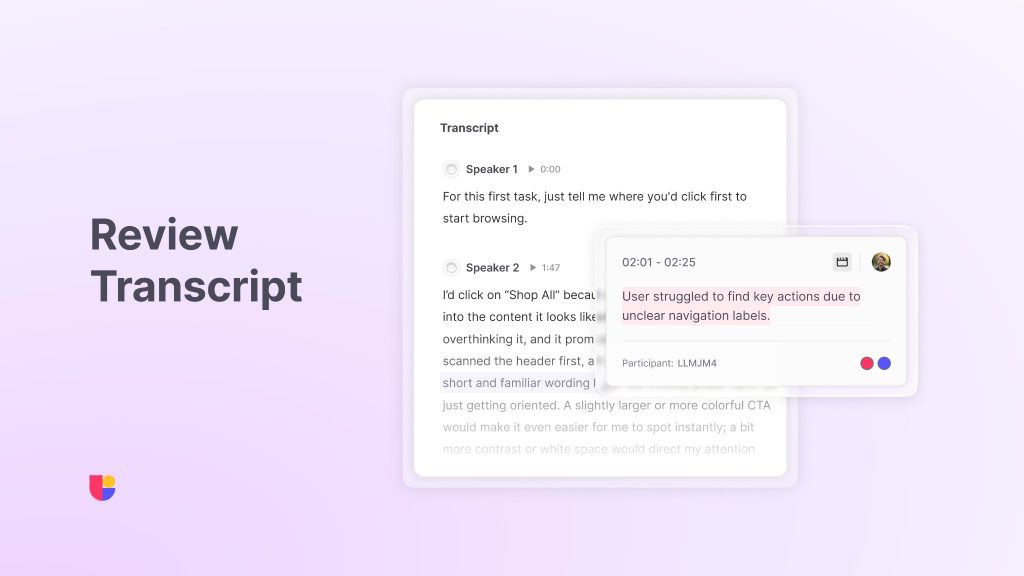
The new Transcripts (Beta) feature automatically generates a written transcript of your recordings, so you can review conversations and capture insights faster. You can read what was said, use search word functions, select key phrases, and highlight text conversations without rewatching full videos or manually writing transcripts. It’s a helpful first step that saves time, makes analysis easier, and lays the foundation for deeper research.
Upload Recordings: Not limited to Useberry Recordings
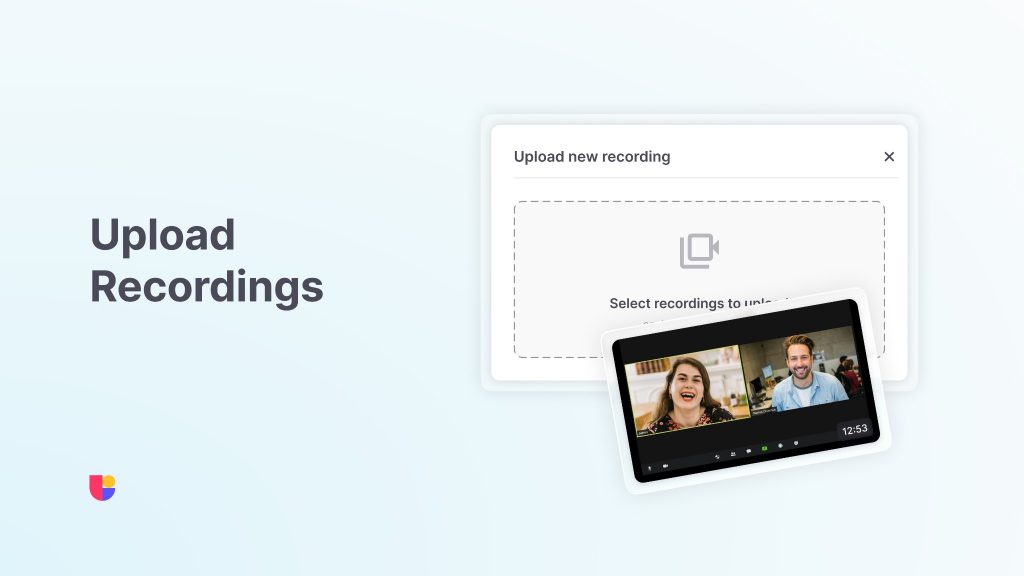
Your research doesn’t have to live in ten different places. You can now upload your own video files from any source and use the same tools to highlight, tag, and build highlight reels. Whether it is a customer interview, prototype walkthrough, or a user test recorded elsewhere, you can bring it into Useberry and turn it into clear insight.
All Your Research Under One Hub
With Recording Updates, everything connects after you complete recordings or upload your own videos:
Review Transcripts → Highlight best parts → Tag your label→ Cut Highlight Reels → Share → Decide.
Your recordings become a strategic library of user evidence that’s structured, searchable, and ready to use. No more jumping between tools or losing context. Just faster collaboration and decisions based on what users actually do.
Available on Growth and Enterprise plans; usage limits apply.
Ready to see it in action?
Start exploring the new Recording updates today and turn your next session into your most persuasive piece of evidence.