

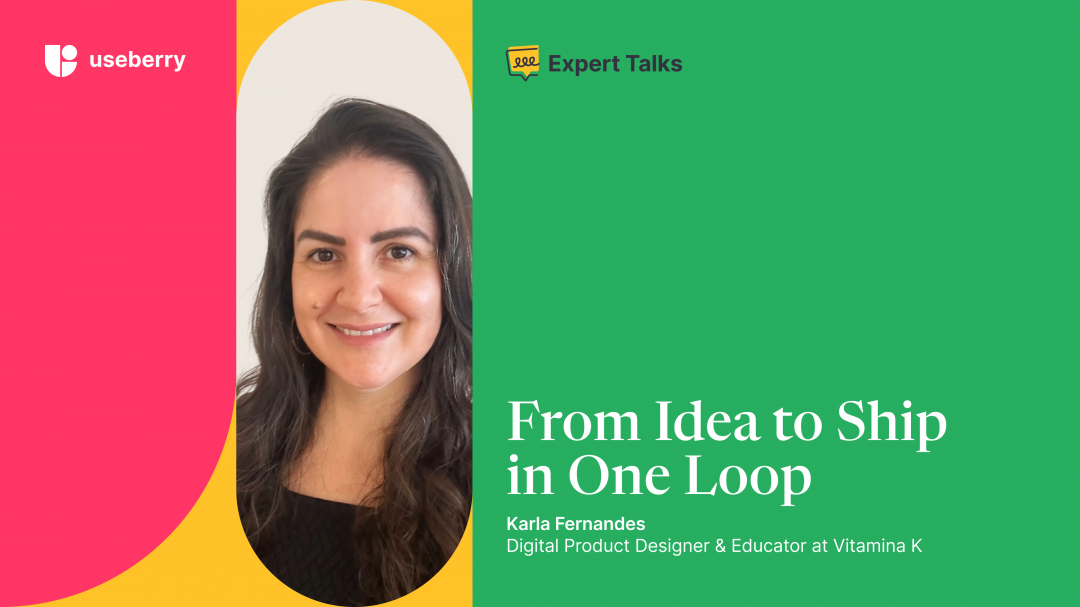
Designers talk a lot about “shipping fast,” but very few people actually live that rhythm for years on end like Karla Fernandes. Currently the digital product designer and manager of Vitamina K, she has spent more than 25 years designing, building, and shipping digital products end to end, often as a team of one. Along the way, she has delivered hundreds of projects, published native apps, mentored dozens of designers, and taught thousands of learners how to bring their own ideas to market.
In this edition of Expert Talks, we sit down with Karla to explore her framework for moving from idea to launch, how she uses AI and no-code, where they matter most, and why she believes designers should shift from perfectionist to “completionist”. We also talk about testing as a solo builder, focusing on features that create real “aha” moments, and the simple validation habits that keep her from overinvesting in the wrong ideas.
Exploring autonomy, experience, and the shift toward AI-driven product creation.
You’ve built products for over 25 years, often as a “team of one.” What workflow or system do you rely on to move from idea → MVP → launch without getting stuck in endless iteration? Can you walk us through an example?
I work through a framework I call One Loop. The core loop (The Engine) is a three-stage cycle: Design, Build, Ship.
- Design: I validate the problem before I decide which technology I will use to make it real.
- Build: I use AI or no-code to create a functional prototype in days, not months.
- Ship: I get it into the hands of users to make a ‘build or kill’ decision.
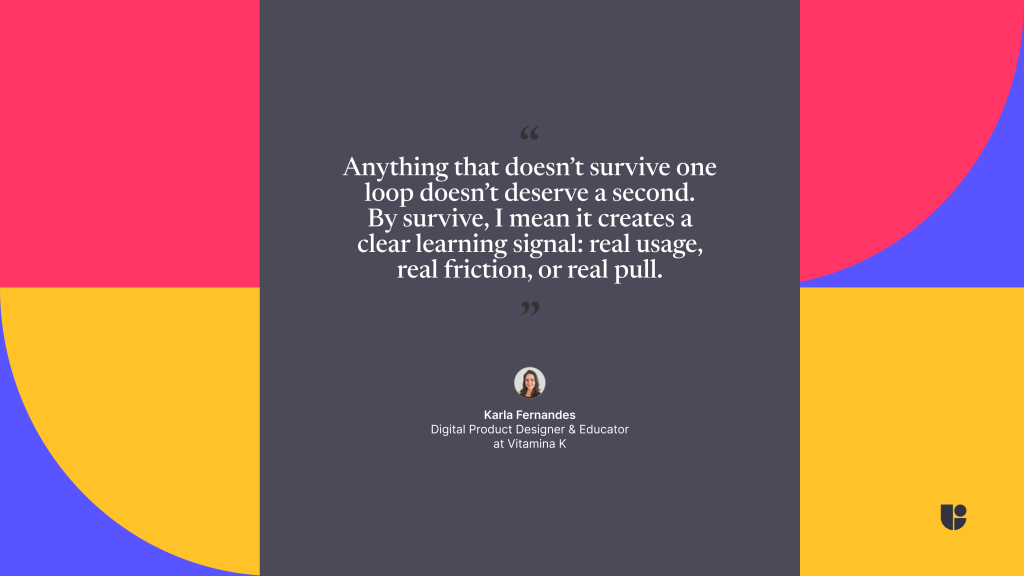
Anything that doesn’t survive one loop doesn’t deserve a second. By survive, I mean it creates a clear learning signal: real usage, real friction, or real pull. If learning is happening, the loop continues. If it stalls, I reduce scope or end it. That’s how I avoid endless iteration and prioritize learning over perfecting.
When you’re the only decision-maker, prioritization becomes critical. What criteria or scoring method do you use to decide which features make it into the first release, and which you cut even if they feel important?
I use a Clarity vs. Noise filter. Every feature I think of is Noise until a user proves it provides Clarity. My criteria is simple: Does this feature directly shorten the user’s path to the Aha! moment? If it’s a nice-to-have or if I’m only adding it because AI can do it fast, I cut it.
As a Team of One, my most valuable resource isn’t time: it’s focus. Every extra feature taxes focus, not development. I’d rather ship a bicycle that works perfectly than a spaceship that won’t leave the ground.
Designing with AI: A New Era for Makers
When integrating AI into product creation, what specific stage (e.g., research, UX writing, prototyping, testing) has given you the most measurable impact, and how do you evaluate that impact?
The Prototyping stage has the most measurable impact. In the past, the gap between a design and a working product was months of coding. AI has collapsed that gap into hours.
I evaluate this impact through cycle time. I measure how long it takes to go from a validated idea to a prototype that a user can actually interact with. By reducing this time by 80%, I can iterate three times in the same week. The real impact isn’t the code itself; it’s the speed at which I can collect real user data to decide if the project should live or die.
Many designers struggle with AI outputs feeling generic. What practical techniques do you use to maintain a strong design voice and originality when leveraging AI tools?
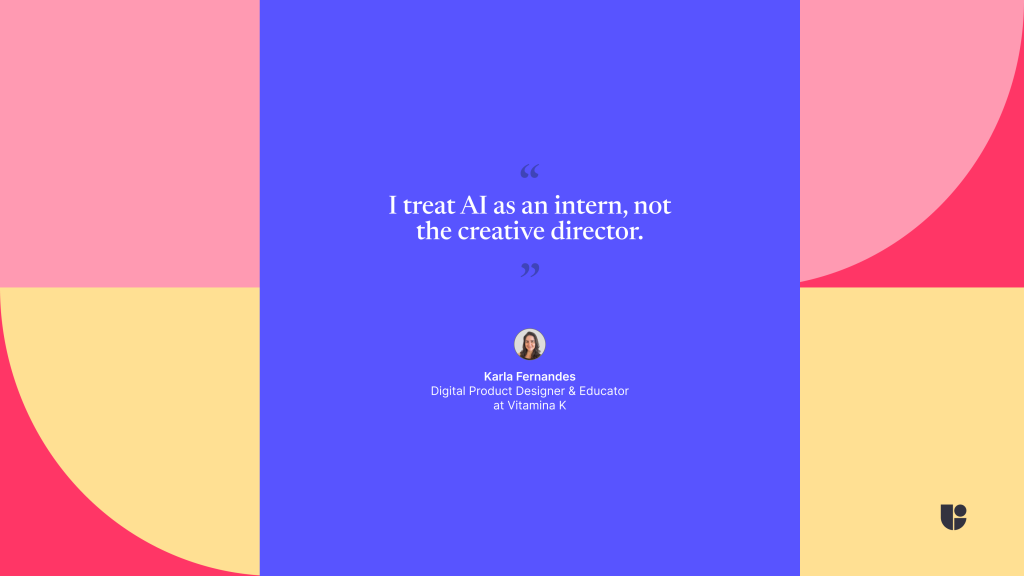
I treat AI as an intern, not the creative director. If you ask AI for a modern landing page, you will get something generic because your input was generic.
I use a technique called Iterative Refinement:
- Set the Guardrails: I provide the AI with specific constraints: brand voice, unique typography, a strict layout logic and visual examples.
- The 20% Polish: I let AI do the 80% heavy lifting of production, but I manually handle the final 20%. This is where my 25 years of experience come in adjusting white space, additional code, micro-interactions, and visual hierarchy. Originality comes from intent and taste. AI only exposes whether you have them.
What is one myth about “designing with AI” that you wish people would stop saying, especially for solo builders or no-code development?
The myth that AI replaces the designer. AI replaces production tasks, but it amplifies the need for design judgment.
Especially for solo builders, AI doesn’t know why a button should be there or if a user will feel frustrated by a specific flow. It only knows how to follow instructions. We are moving from being ‘pixel pushers’ to being architects of intent. The less time we spend moving boxes around, the more time we must spend thinking about the systems and products we are building.
No-Code Innovation: Turning Ideas into Products
Building the UX/UI Hub app with no-code must have had limitations. What was the biggest constraint you encountered, and how did you creatively overcome it without writing code?
The biggest constraint was implementing complex logic and user authentication without a backend team. When I first built the networking feature, introducing user profiles created significant friction.
I addressed this by simplifying the user flow rather than the technology. I realized I did not need a custom in-app messaging system. Instead, users could connect on LinkedIn, a platform they already use, and communicate there. I connected no-code tools like Firebase, Airtable, and Bravo Studio to handle the data, leveraged Figma for design, and used LinkedIn for the actual communication.
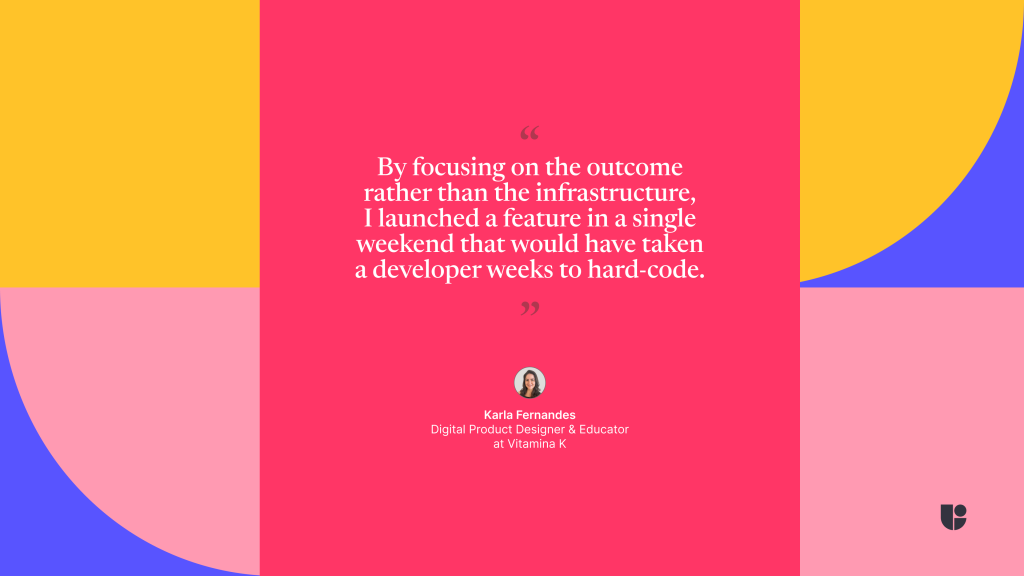
By focusing on the outcome rather than the infrastructure, I launched a feature in a single weekend that would have taken a developer weeks to hard-code. As a Team of One, I only earn points for released value.
You advocate for more designers becoming “builders.” What is one skill or mindset shift you believe is non-negotiable for designers who want to ship their own products?
The shift from Perfectionist to Finisher. As designers, we are trained to obsess over every pixel. But in product building, a perfect Figma file that never launches has zero value. You must embrace the 80% Rule: build it well enough to test, ship it, and let the users tell you how to make it perfect. To be a builder, you have to be okay with shipping something that feels raw as long as it provides real value. Completion is a feature.
For designers planning to launch their first product developed with AI, what simple roadmap tips would you share? Where should they start, and any fundamental differences from a traditional roadmap?
My best tip is to replace the traditional 6-month roadmap with a One-Week Loop.
- Day 1-2: Identify one tiny, specific problem. Don’t build a platform; build a tool.
- Day 3-5: Use AI to create a working vibe.
- Day 6: Test it with 5 people and watch where they fail.
- Day 7: Refine and Ship.
This approach is not for people who need permission, large teams, or perfect conditions to start. The fundamental difference is that you aren’t planning for a Launch Day: you are planning for a Learning Day. Traditional roadmaps focus on features; an AI-powered roadmap focuses on the speed of validation.
Testing Fast, Learning Faster
How can tools like Useberry support solo builders or small teams in making user-centered decisions quickly?
It is always great to have a research team on your desk. For a solo builder, it’s easy to get blind to your own mistakes. Testing tools allows us to see behavior, not just opinions. Seeing a heatmap or a screen recording of a user getting stuck on a button is the insurance I need to know my intuition isn’t leading me off a cliff.
In practice, I’ll upload a prototype and ask users to complete one core task: for example, “find X and do Y.” I don’t ask them what they think. I watch where they hesitate, missclick, or stop. A heatmap or a screen recording of someone getting stuck on a button tells me more in five minutes than a full feedback form.
That signal is my insurance that my intuition isn’t leading me off a cliff, and it tells me exactly what to fix or cut before I ship. As a solo builder, the biggest risk is confirmation bias. I’ll often test something I feel confident about just to see if users agree. In one test, I watched users ignore the feature I was most convinced about and struggle with something I thought was trivial.
That five-minute recording can save me hours of refining the wrong thing. I cut the feature I liked and fixed the friction users actually hit. That’s what these tools give me: a fast reality check before I commit.
In fast AI-driven development cycles, what’s your go-to validation step before shipping a feature that saves you from costly rework?
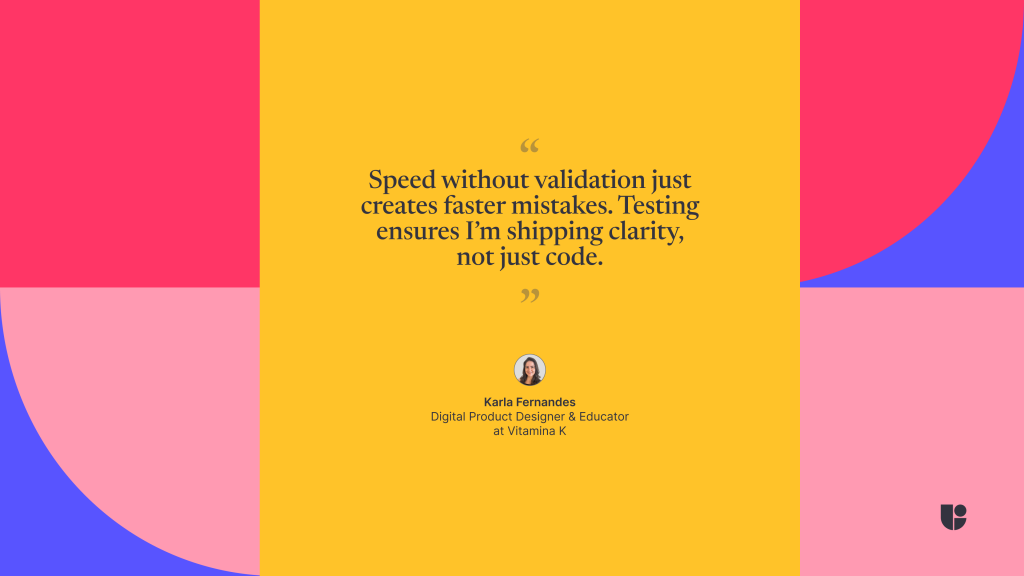
My go-to is the 5-User Friction Test. Before any major release, I watch five target users try to complete one core task using the prototype. If three out of five struggle, I don’t ship. Speed without validation just creates faster mistakes. Testing ensures I’m shipping clarity, not just code.
Looking Ahead in an AI-driven, builder-focused future.
As you move deeper into AI-driven product building, what specific capability or workflow do you want to master next, and why do you think it will be game-changing?
I want to master Real-Time Generative UI. The idea that an interface can adapt itself to a user’s specific context, skill level, or need in real-time is the next frontier. We are moving away from static apps toward living systems that evolve with the user. The real work won’t be designing screens, it will be deciding what should adapt and what must stay fixed.
Conclusion
We hope you found Karla’s perspective on building as a team of one as refreshing as we did. Her One Loop approach, focus on clarity over feature noise, and habit of treating AI as a production partner rather than a replacement show what is possible when you combine strong judgment with fast execution. The way she uses no-code, quick user tests, and a simple “build or kill” decision line is a useful reference point for any designer who wants to ship more of their own ideas.
Big thanks to Karla for sharing practical stories from UX/UI Hub and her product-building journey. Whether you are part of a larger UX team or working solo on your first app, her advice is a reminder that momentum, validation, and honest observation beat perfect plans every time. If you are building something and feeling stuck, you can connect with Karla on LinkedIn and send her a DM. She is always happy to chat with fellow builders. As always, we have more Expert Talks on the way with voices from across the design and product world. If you have a guest in mind, tell us who you would like to hear from next.
Feel free to contact us!
We’d love to know your experience with Useberry and we will be excited to hear your thoughts and ideas.